Can Your Office Chair Cause Sciatica? Signs, Solutions & Prevention Guide
Can Your Office Chair Cause Sciatica? Signs, Solutions & Prevention Guide
Sciatica occurs when the sciatic nerve becomes compressed or irritated, causing pain that radiates from the lower back through the buttocks and down the legs. Research shows that sitting increases intradiscal pressure by 40% compared to standing, making office workers who sit 6-8 hours daily particularly vulnerable. This guide explains how your chair contributes to sciatic pain and exactly how to fix it.
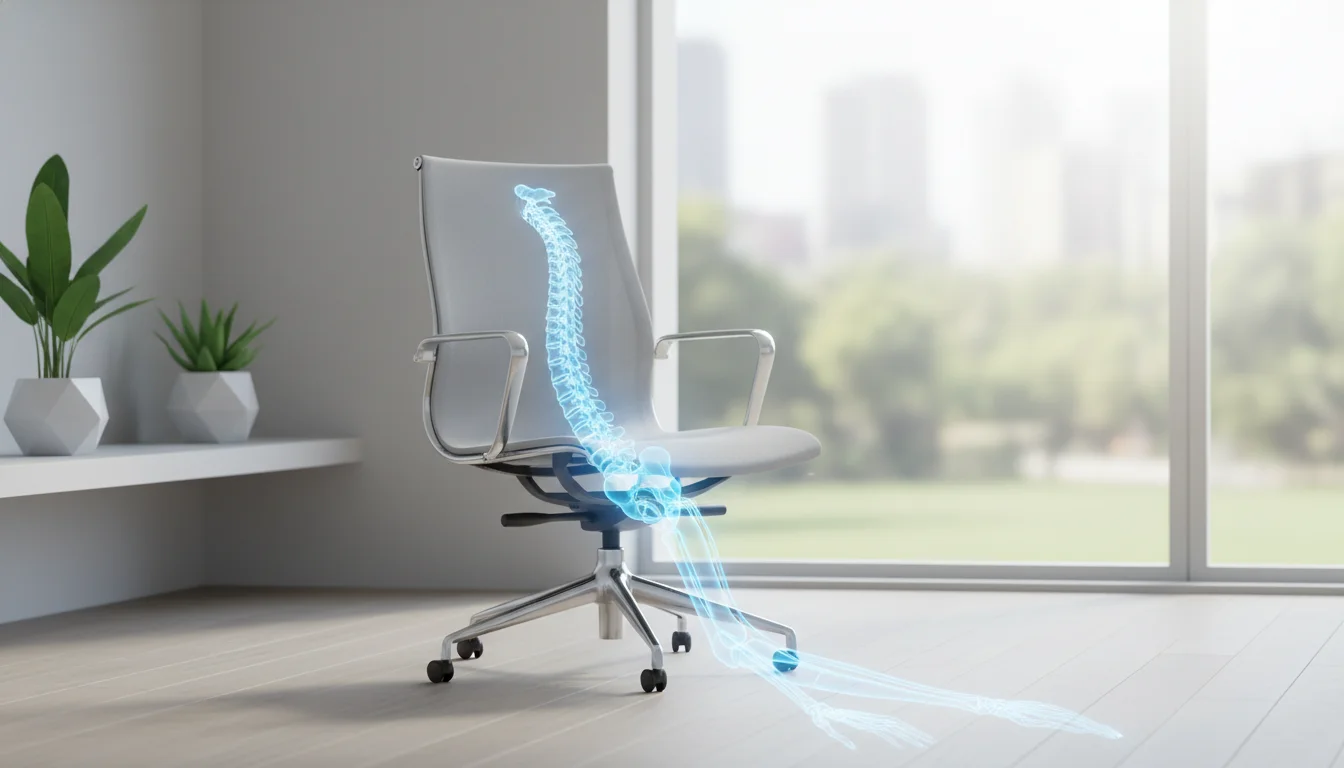
How Office Chairs Can Trigger Sciatica Pain
Poor chair design creates pressure points that directly compress the sciatic nerve or the structures surrounding it. The sciatic nerve runs from your lower spine through the piriformis muscle in your buttocks and down each leg.
Key ways your chair triggers sciatic pain:- Insufficient lumbar support forces your spine into a C-shaped slouch, increasing pressure on spinal discs that can bulge and compress nerve roots
- Seat depth problems create pressure on the back of your thighs, restricting blood flow and compressing nerve pathways
- Hard seat edges pinch blood vessels and nerves behind your knees, causing numbness and tingling
- Flat seat pans tilt your pelvis backward, flattening the natural lumbar curve and increasing disc pressure
- Worn cushioning creates uneven pressure distribution on the piriformis muscle, which can spasm and irritate the sciatic nerve passing through it
The piriformis muscle deserves special attention. When you sit on a hard or poorly designed seat, this muscle gets compressed between your pelvis and the chair. Prolonged compression causes the muscle to tighten and spasm. Since the sciatic nerve runs directly through or beneath this muscle in most people, irritation follows quickly.
I learned this the hard way after switching to a budget chair during a home office setup. Within three weeks, I developed shooting pain down my left leg every time I stood up. The connection between my cheap chair and sciatica became painfully obvious.
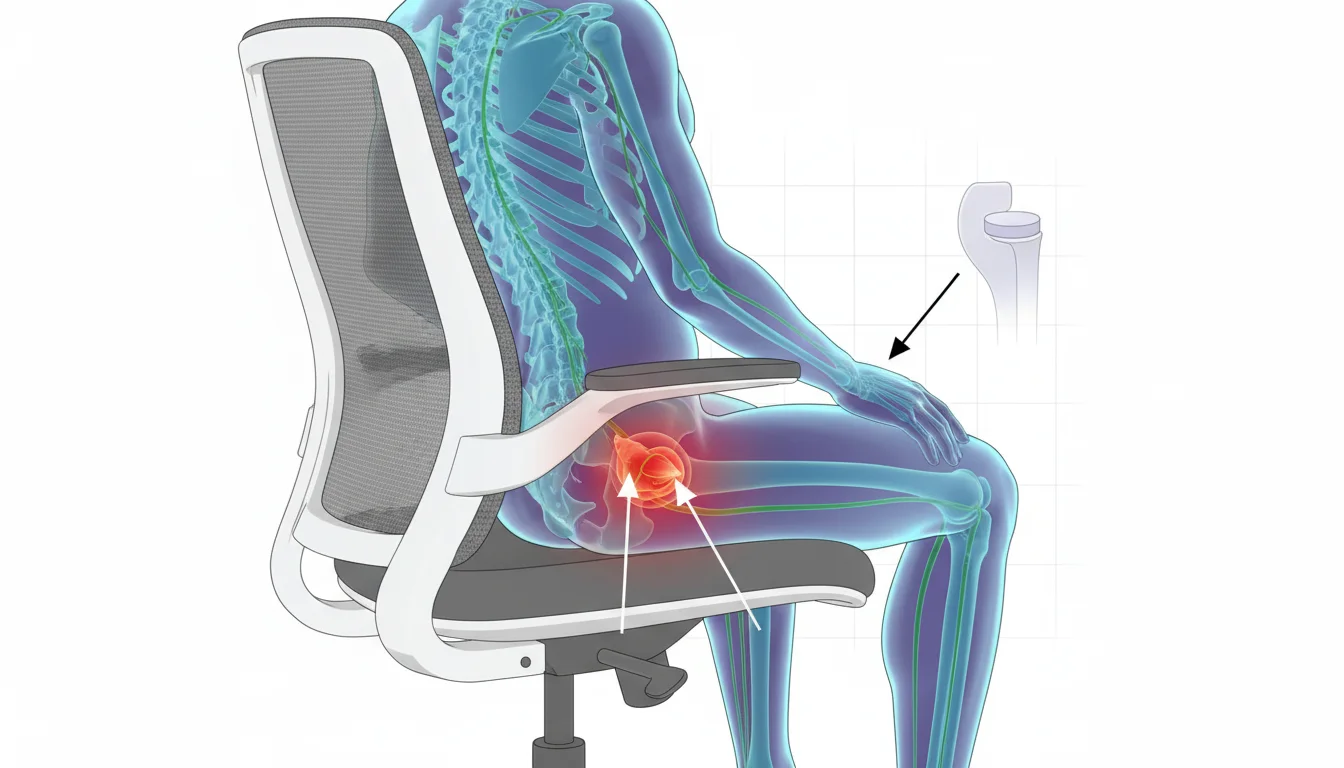
Warning Signs Your Chair Is Causing Sciatica
Your body sends clear signals when your seating situation damages the sciatic nerve. The pattern of symptoms matters more than individual sensations.
Watch for these warning signs:- Numbness or tingling in your buttocks, legs, or feet that develops after 30+ minutes of sitting
- Pain that worsens progressively during work hours but improves on weekends or vacations
- Sharp shooting pain radiating down your leg when standing up from your chair
- Lower back stiffness that builds throughout the workday and eases overnight
- Symptoms that started after changing chairs, desks, or office setups
- One-sided leg pain that follows a specific path from buttock to calf or foot
- Relief when walking around but immediate return of symptoms upon sitting
The weekend test tells you everything. If your symptoms noticeably decrease after two days away from your office chair, your seating is the primary culprit. Track your pain levels on a simple 1-10 scale at the end of each workday versus weekend mornings.
According to Core Concepts Physio, prolonged sitting combined with awkward postures represents one of the strongest risk factors for developing or worsening sciatica symptoms.
Red Flags in Office Chair Design That Worsen Sciatica
Certain chair features actively work against your spine health. Identifying these problems in your current chair saves you from months of unnecessary pain.
| Design Flaw | Why It Hurts | What to Look For |
|---|
| Non-adjustable seat height | Prevents 90-degree knee angle, shifts hip position | Fixed gas cylinder, no height lever |
|---|---|---|
| Flat or absent lumbar support | Forces spine into unnatural C-curve | Straight backrest, no contour at lower back |
| Wrong seat pan length | Too short lacks thigh support; too long presses behind knees | Less than 2 inches or more than 4 inches between seat edge and back of knee |
| Overly firm cushioning | Creates localized pressure points on piriformis | Hard foam, minimal give when pressing |
| Worn-out padding | Uneven weight distribution, bottoming out | Visible indentations, feeling frame through cushion |
| Fixed armrests | Forces shoulder hunching, spine misalignment | No height or width adjustment |
| Backward-tilting seat | Shifts pelvis posteriorly, increases disc pressure | Seat slopes noticeably toward backrest |
Research from PubMed confirms that lumbar support and seat pan tilt significantly improve neutral spine posture and reduce peak pain levels. Workplace interventions addressing these ergonomic factors have reduced sciatica symptoms by up to 40%.
Check your chair against this list right now. Most people discover at least three red flags in their current setup.
Step-by-Step Guide to Adjusting Your Chair for Sciatica Relief
Proper adjustment transforms even a mediocre chair into a sciatica-friendly workstation. Follow these measurements precisely for the best results.
Step 1: Set seat height correctlyAdjust height until your feet rest flat on the floor with knees bent at 90-100 degrees. Your thighs should be parallel to the floor or angled slightly downward. If your desk is too high, add a footrest rather than raising the chair and losing proper foot contact.
Step 2: Adjust seat depthSlide the seat pan or adjust your sitting position to leave 2-3 finger widths (roughly 1.5-2 inches) between the front edge of the seat and the back of your knees. This prevents pressure on the nerves and blood vessels behind your knees.
Step 3: Position lumbar supportThe lumbar support should contact the natural inward curve of your lower spine, typically 6-10 inches above the seat surface. This height corresponds to your L3-L5 vertebrae. Adjust firmness until you feel gentle support without being pushed forward.
Step 4: Tilt seat pan forwardIf your chair allows, tilt the seat pan 0-5 degrees forward. This promotes a neutral pelvis position and maintains your spine's natural curves. Even a slight forward tilt reduces the posterior pelvic tilt that compresses discs.
Step 5: Set armrests properlyPosition armrests so your shoulders stay relaxed with elbows resting at approximately 90 degrees. Arms floating above or pressed against too-high armrests create upper back tension that cascades down to your lower spine.
DIY modifications when your chair falls short:- Roll a small towel to 3-4 inches in diameter and place it in your lumbar curve
- Add a seat cushion with a coccyx cutout to reduce tailbone and piriformis pressure
- Use a slanted footrest to achieve proper knee angles if seat height is limited
- Place a thin wedge cushion to create forward seat tilt
Best Chair Types for Sciatica Prevention: A Comparison
Different chair categories offer distinct advantages for sciatica sufferers. Your choice depends on adjustability needs, budget, and work style.
| Chair Type | Pros for Sciatica | Cons for Sciatica | Price Range |
|---|
| Ergonomic task chairs | Maximum adjustability, proper lumbar systems, seat depth adjustment | Learning curve for setup, higher cost | $300-$1,500 |
|---|---|---|---|
| Mesh back chairs | Flexible support adapts to spine, better airflow reduces fidgeting | Lumbar support varies by model, mesh can sag over time | $200-$1,200 |
| Gaming chairs | Often include lumbar pillows, high backs support full spine | Usually lack seat depth adjustment, bucket seats can compress hips | $150-$500 |
| Executive chairs | Thick cushioning, comfortable for short periods | Poor ergonomic adjustability, encourage slouching | $200-$800 |
| Kneeling chairs | Open hip angle reduces disc pressure, engages core | Not suitable for all-day use, requires adjustment period | $100-$400 |
- Adjustable lumbar support (height and depth)
- Seat height adjustment with adequate range for your desk
- Seat depth adjustment or appropriately sized seat pan
- Seat pan tilt mechanism
- Cushion density that supports without bottoming out
Standing desk converters deserve mention as supplementary solutions. Alternating between sitting and standing throughout the day reduces cumulative pressure on your sciatic nerve. Even 15-minute standing intervals every hour significantly decrease symptom severity for many office workers.
For budget-conscious buyers, a $50 lumbar support pillow and $40 seat cushion often provide better sciatica relief than a $200 chair upgrade. Start with modifications before replacing your entire chair.
Beyond the Chair: Daily Habits to Prevent Office Sciatica
Your chair setup matters, but movement habits determine long-term outcomes. Static posture causes problems regardless of how perfect your ergonomics are.
The 30-30-30 rule: Every 30 minutes, stand for 30 seconds and take 30 steps. Set a timer until this becomes automatic. This simple habit prevents the sustained compression that triggers sciatic flare-ups. Desk stretches targeting sciatica:- Seated piriformis stretch: Cross your ankle over the opposite knee, then gently lean forward with a straight back. Hold for 30 seconds on each side.
- Hip flexor release: Stand and step one foot back, tuck your pelvis under, and lean forward slightly. Hold for 30 seconds.
- Nerve glide: Sit at the edge of your chair, straighten one leg, flex your foot toward you, hold for 5 seconds, then release. Repeat 10 times on each leg.
Fair warning: the first week of implementing movement breaks feels disruptive. By week three, you stop noticing the interruptions and start noticing the absence of pain.
When to See a Doctor About Chair-Related Sciatica
Most chair-related sciatica improves within 2-4 weeks of ergonomic corrections and movement changes. However, certain symptoms require immediate medical attention.
Seek emergency care immediately if you experience:- Progressive weakness in your legs or feet
- Difficulty controlling bladder or bowel function
- Numbness in the groin or inner thigh area
- Sudden severe pain after an injury
- Symptoms persist beyond 4 weeks despite ergonomic improvements
- Pain is severe enough to interfere with sleep consistently
- Numbness is spreading or becoming constant rather than intermittent
- Pain prevents normal daily activities or work function
Professional treatment options include physical therapy, chiropractic care, and medical evaluation for underlying conditions. Physical therapists provide targeted exercises and manual therapy. Chiropractors address spinal alignment issues. Medical doctors can prescribe medications or order imaging studies if needed.
According to HealthCentral, combining ergonomic interventions with professional treatment produces better outcomes than either approach alone.
FAQ
How long does it take for sciatica to improve after fixing chair ergonomics?
Most people notice symptom reduction within 1-2 weeks of proper chair adjustment. Complete resolution typically takes 4-6 weeks if the chair was the primary cause. Consistent good posture accelerates healing.
Does sitting on a cushion help sciatica?
A properly designed cushion with a coccyx cutout and memory foam reduces pressure on the piriformis muscle and tailbone. Cheap flat cushions provide minimal benefit. Invest in a cushion specifically designed for sciatica relief.
Is it better to sit or stand with sciatica?
Neither prolonged sitting nor prolonged standing helps sciatica. Alternating between positions every 30-45 minutes provides the best results. Movement prevents the sustained pressure that irritates the sciatic nerve.
Should I use a lumbar roll or built-in lumbar support?
Built-in adjustable lumbar support offers more precise positioning. Lumbar rolls work well as supplements or when your chair lacks proper support. Position either option at your natural lower back curve, not higher or lower.
Does crossing legs worsen sciatica?
Crossing your legs rotates the pelvis and increases pressure on the piriformis muscle on one side. This position directly aggravates sciatic nerve compression. Keep both feet flat on the floor or on a footrest.
What sleeping position helps sciatica caused by sitting?
Sleep on your side with a pillow between your knees to maintain spinal alignment. Sleeping on your back with a pillow under your knees also reduces nerve pressure. Avoid stomach sleeping, which increases lumbar extension.
How often should I replace my office chair to prevent sciatica?
Replace your chair when the cushioning compresses more than 1 inch from its original height or when adjustment mechanisms fail. Quality ergonomic chairs last 7-10 years. Budget chairs often need replacement within 2-3 years.
Will a standing desk cure my sciatica?
Standing desks reduce sitting time but do not cure sciatica on their own. They work best as part of a sit-stand routine. Standing all day creates different problems, including leg fatigue and lower back strain.